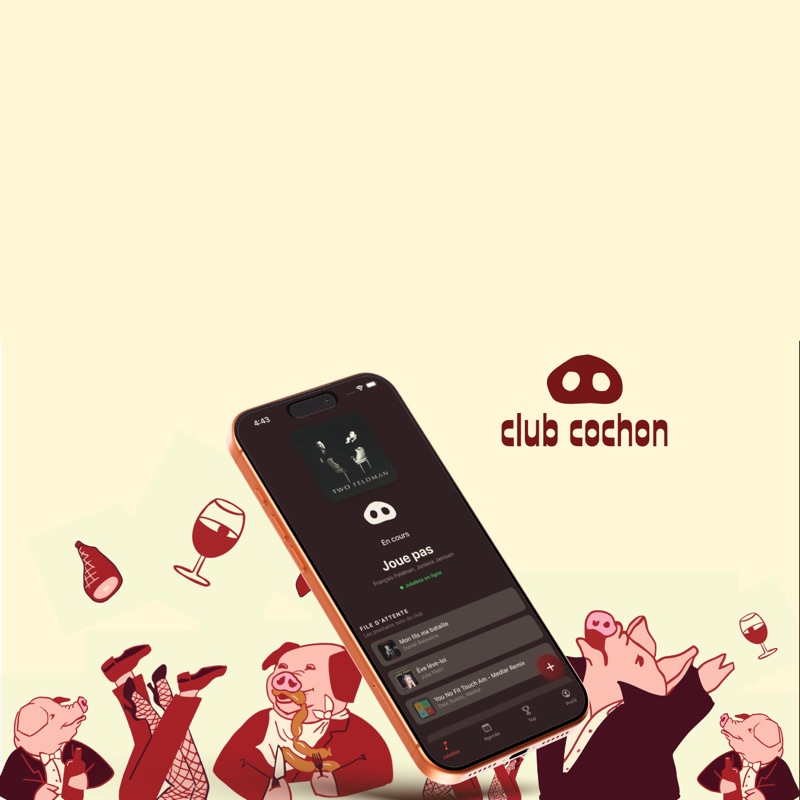
🎵 Club Cochon Jukebox
Queue and votes
Follow the current track, the queue, and “Prochains sons” (up next), and vote for your favorite tracks.
View the queue
The current track appears with the member who requested it, followed by the queue and then the upcoming tracks scheduled by the bar. In the app, “Voir tout” (see all) shows the full queue; if there are fewer than three requests, it's filled out with tracks already scheduled.
Play order
Tracks play in the order they arrive. Votes don't change that order: they show what the room loves and count toward the “Top du Club” (the club's top chart). Only tracks added by the bar can carry the “Prioritaire” (priority) badge.
Vote
Double-tap or double-click a track, or tap the heart, to vote. You get one vote per track, and it appears on every screen with confetti. On the website, you can vote without an account; in the app, you need to sign in.
Cancel a vote
When you're signed in, you can cancel your vote and find tracks you listened to recently.
Limits
Each person can request up to 3 tracks every 10 minutes.
Jukebox off
When the bar turns off the jukebox, the queue disappears and you can no longer request a track or vote.